how to use iProg programmer to do odometer correction for GreatWall Haval H9 70F3532
This instruction show you guide on how to use iProg programmer to do Odometer Correction for GreatWall Haval H9 70F3532.
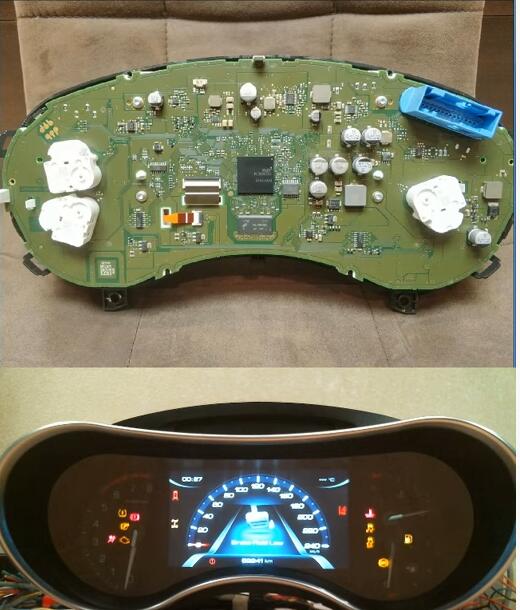
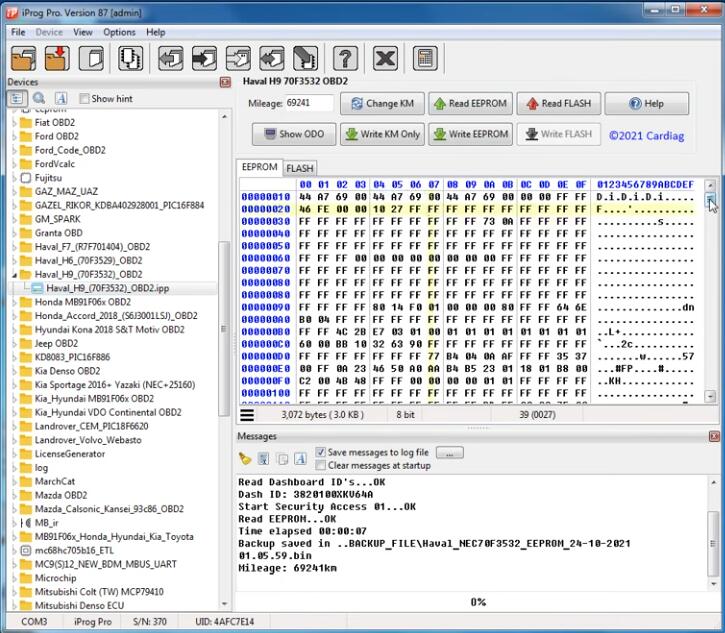
Run iProg Pro software,select “Haval_H9_(70F3532)”,then click “Read EEPROM”

After reading processing finish,it will show you current milage value:69241km
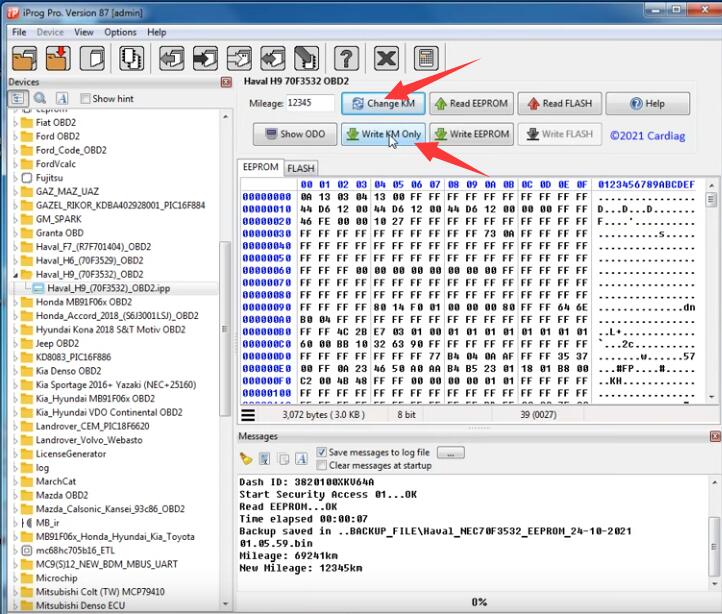
Input a new value:12345,then click “Change KM”
Then click “Write KM Only”
Wait writing new value processing
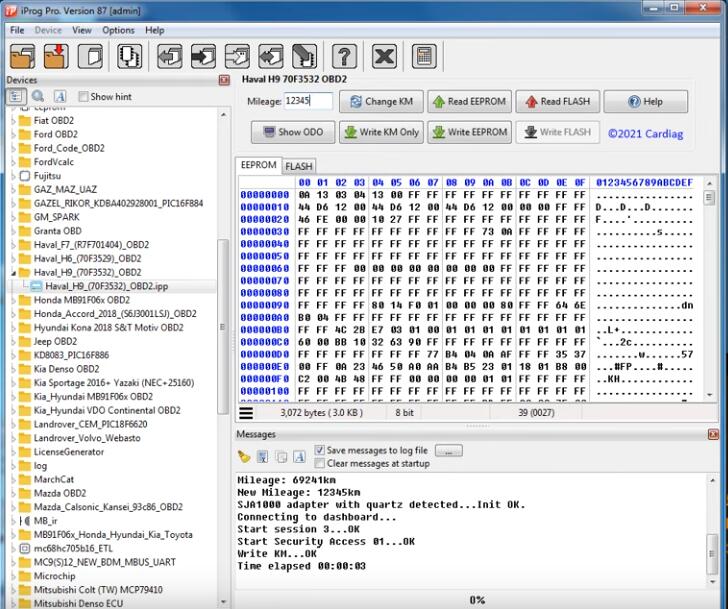
After finish,GreatWall Haval H9 dashboard will restart,and when it light on,you will find new 12345 show on odometer.
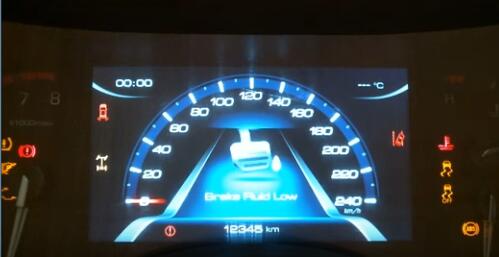
Done!


评论
发表评论